Time tracking with a tablet terminal
A fixed time clock terminal for employees, with or without badges
TimeStatement lets employees clock in and out at a fixed tablet terminal using an NFC badge or on-screen user selection. Work hours, breaks and attendance are captured accurately without paper timesheets or manual follow-up.
The terminal is ideal for offices, workshops, warehouses, schools, clinics and production sites where teams start and finish work at the same location. All entries sync automatically with TimeStatement's cloud-based time tracking software.
Managers get a real-time view of attendance, absences and balances, while HR and payroll teams work with clean, reliable time data.
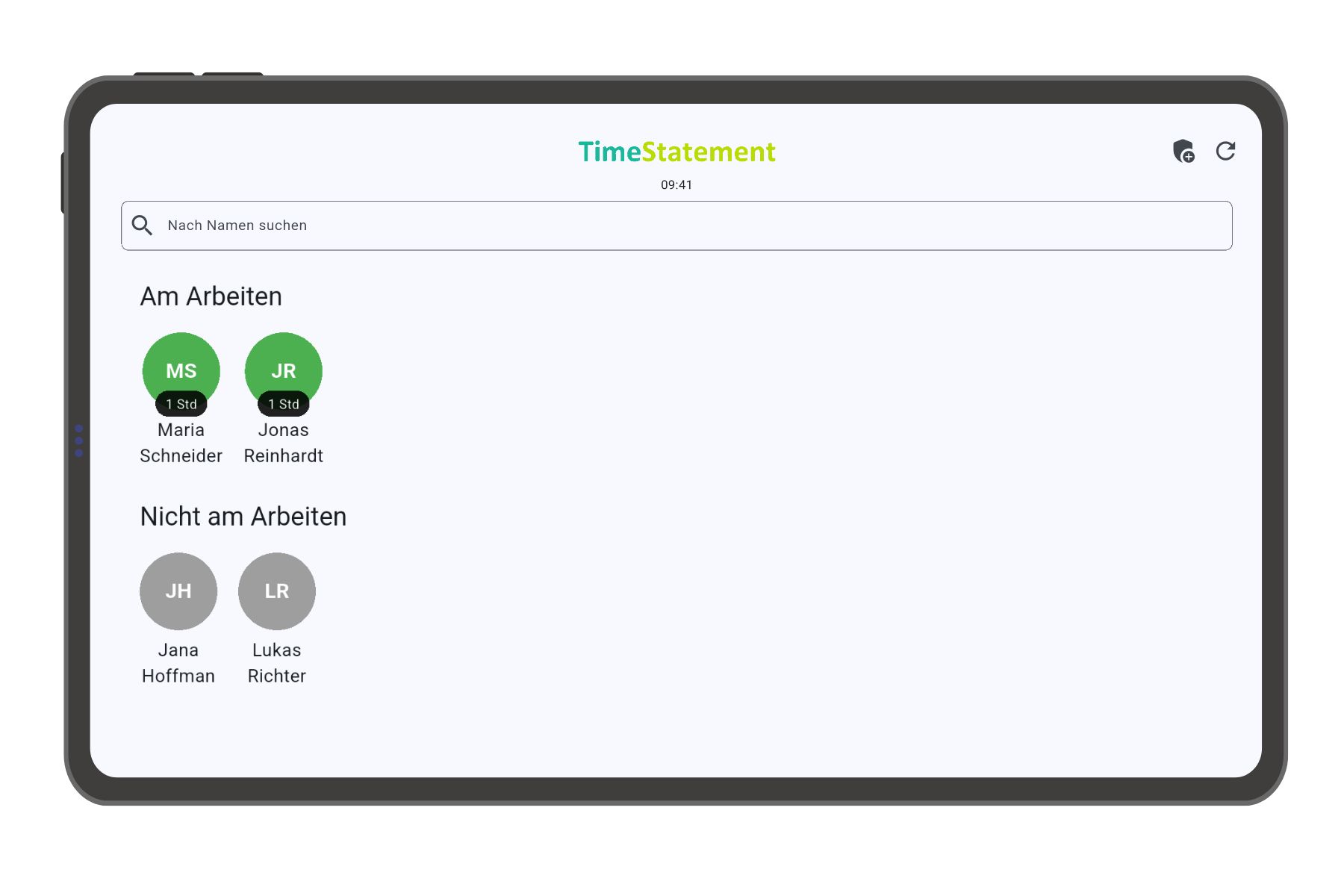
How the TimeStatement time clock terminal works
The tablet terminal is placed at a fixed location. Employees tap their personal badge on the device or select their name on the screen to record start time, end time and breaks.
Every time entry is synchronized in real time with TimeStatement. Supervisors can review attendance and working time in the browser, and employees can check their own data in the web app or mobile app.
Start terminal time tracking in 4 steps
Choose the location
Select a visible workplace location with power and stable Wi-Fi, such as an entrance, reception desk, workshop or staff area.
Select the hardware
Use the preconfigured TimeStatement industrial tablet with badges or install the terminal app on your own Android tablet.
Add users
Each employee needs a valid TimeStatement license. For simple employee time tracking, the Starter plan is enough.
Set up the terminal
Configure users, badges and the preferred terminal mode in a few steps, then start recording work hours immediately.
Tablet terminal options
The TimeStatement terminal is based on an Android tablet app. You can choose the tested TimeStatement tablet terminal or use an Android tablet you already own.
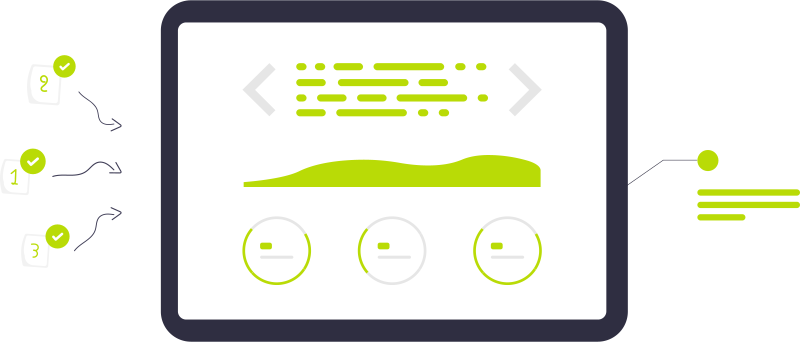
TimeStatement tablet terminal
The TimeStatement tablet terminal is tested, preconfigured and designed for fixed workplace use. It is delivered with badges and is ready for reliable employee clock-in and clock-out processes.
Your own Android tablet
If you already have suitable hardware, you can install the TimeStatement terminal app on your own Android tablet. Badge tracking requires NFC support; without NFC, employees can clock in by selecting their name on the screen.
Badge mode or user selection mode

Badge time tracking
In badge mode, NFC badges are assigned to employee accounts during setup. Employees then tap their personal badge on the terminal and the time entry is created automatically.
On-screen user selection
When badges are not required, employees simply select their name on the tablet screen. This is a low-cost option for stationary time tracking without additional badge hardware.
Benefits of a tablet time clock terminal
Accurate
Start times, end times and breaks are recorded precisely and transparently.
Efficient
Automated clock-in and clock-out reduces manual corrections and administrative work.
Transparent
Employees and managers always have a clear view of attendance, absences and balances.
Compliant
Reliable time records help companies document working hours consistently.
Flexible
Use badges, screen selection, multiple languages and different tracking devices.
Integrated
Combine terminal data with project time tracking, absence management and payroll exports.
Terminal time tracking features
For fixed workplace teams
Use the terminal in offices, workshops, warehouses, schools, clinics, factories or reception areas. It works especially well for teams that are mainly on site and need a shared, simple clock-in point.
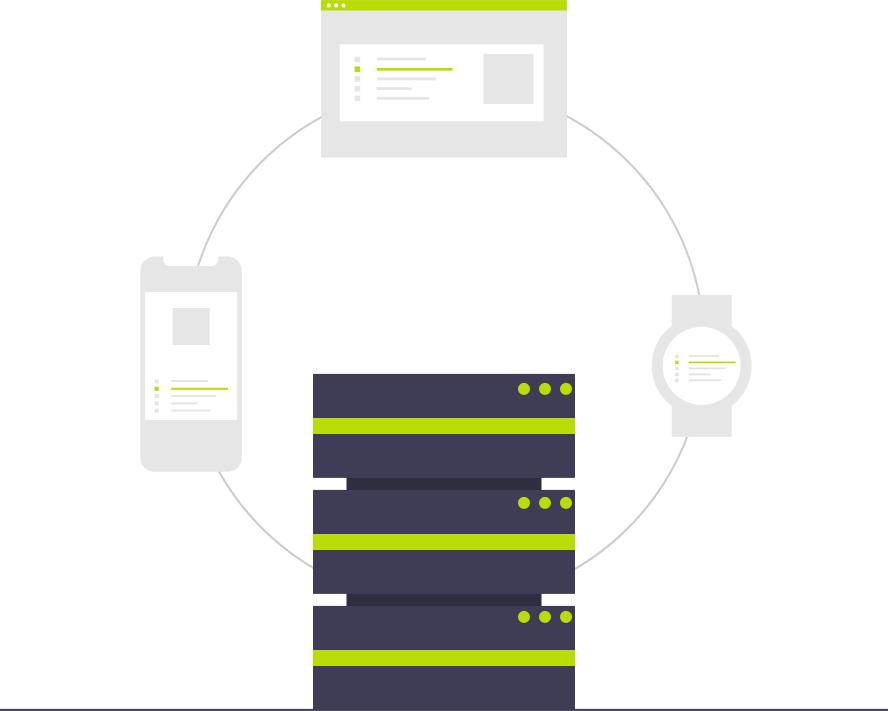
Real-time cloud synchronization
Terminal entries are synchronized with TimeStatement automatically and stored securely in the cloud. User management, reports and corrections are handled centrally in the web app.

Breaks and attendance in one system
Employees record breaks directly at the terminal. Managers can review work time, breaks, absences and overtime in one place.

Clear costs, no terminal rental
The terminal app is included in the TimeStatement software license. The TimeStatement tablet terminal is available from EUR 590 including shipping and badges, with no additional monthly rental fee for the terminal hardware.
Alternative: digital time clock app
Not every team needs a fixed terminal. With the TimeStatement web app and mobile app, employees can track time from a browser or smartphone, including remote work, field service and changing work locations.
Many companies use both: a tablet terminal for on-site teams and mobile time tracking for flexible employees. All data is consolidated in TimeStatement.
Try terminal time tracking with TimeStatement
Start a free trial and find out whether a tablet terminal, the web app or the mobile app best fits your team.
FAQ about time clock terminals
Can employees clock in with and without badges?
Yes. TimeStatement supports NFC badge time tracking and on-screen user selection at the tablet terminal.
Can we use our own Android tablet?
Yes. You can install the TimeStatement terminal app on your own Android tablet. Badge tracking requires NFC support.
How quickly are entries visible in the software?
Entries are synchronized in real time when the terminal is online, so managers can immediately see attendance, breaks and absences.
What does the TimeStatement terminal cost?
The TimeStatement tablet terminal is available from EUR 590 including shipping and badges. The terminal app is included in your TimeStatement license.
What is the alternative to a fixed terminal?
Employees can also track time directly in the TimeStatement web app or mobile app, which is ideal for remote work, field service and hybrid teams.
You might also be interested in:
Time Tracking
Clock in, run timers or enter hours manually — on web, mobile or terminal.
Learn more →Project Time Tracking
Assign hours to clients, projects and tasks. Stay on budget and bill every minute.
Learn more →Absence Management
Request, approve and report holidays, sickness and other leave in one place.
Learn more →Invoicing
Turn tracked time and expenses into professional invoices, including e-invoices.
Learn more →