TimeStatement features — every hour, project and invoice in one system
Professional time tracking software with project timesheets, absences, expenses and invoicing. Less clicking, more clarity — so simple your team will actually use it.
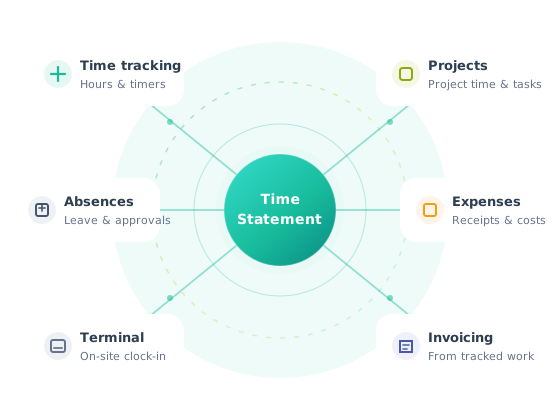
Six capabilities. One workflow.
TimeStatement combines powerful time tracking with outstanding value for money. It also covers the entire service process — from the first time entry to a paid invoice. All on one platform, without switching between different tools.
Time tracking
Clock in, run timers or enter hours manually — on web, mobile or terminal.
Learn more →Project timesheets
Assign hours to clients, projects and tasks. Stay on budget and bill every minute.
Learn more →Invoicing
Turn tracked time and expenses into professional invoices, including e-invoices.
Learn more →Absence management
Request, approve and report holidays, sickness and other leave in one place.
Learn more →Expense tracking
Capture receipts digitally, categorize costs and attach them to projects or invoices.
Learn more →Time clock terminal
On-site clock-ins for offices, workshops and teams that punch in at a shared device.
Learn more →Track hours the way your team already works
Whether people prefer a live timer, manual entries or a shared terminal, TimeStatement keeps attendance, overtime and balances accurate — without chasing timesheets at month-end.
- Start/stop timers, manual entries and automatic weekly schedules
- Web app, mobile apps (online & offline) and tablet terminal
- Flexible work models: full-time, part-time, flexitime, hourly
- Automatic overtime, breaks, balances and premiums
- Period closing and controlled corrections for audit-safe data

Know where every billable minute goes
Give project managers a live view of hours, budgets and profitability. Clients, projects, tasks and rates stay structured — so reporting and invoicing stay clean.
- Clients, projects, tasks and team members in one structure
- Hourly rates by project, task or employee
- Budgets with progress indicators and threshold alerts
- Billable vs non-billable time, retainers and flat fees
- Project templates for recurring work

Stop stitching tools together
Many competitors focus mainly on timers. TimeStatement goes further for service businesses that also need absences, expenses, professional invoicing and EU data residency — in one login.
- One source of truth from time entry to invoice
- Multilingual teams and multi-currency billing
- Self-hosted option available on request
- Accounting integrations for DACH markets
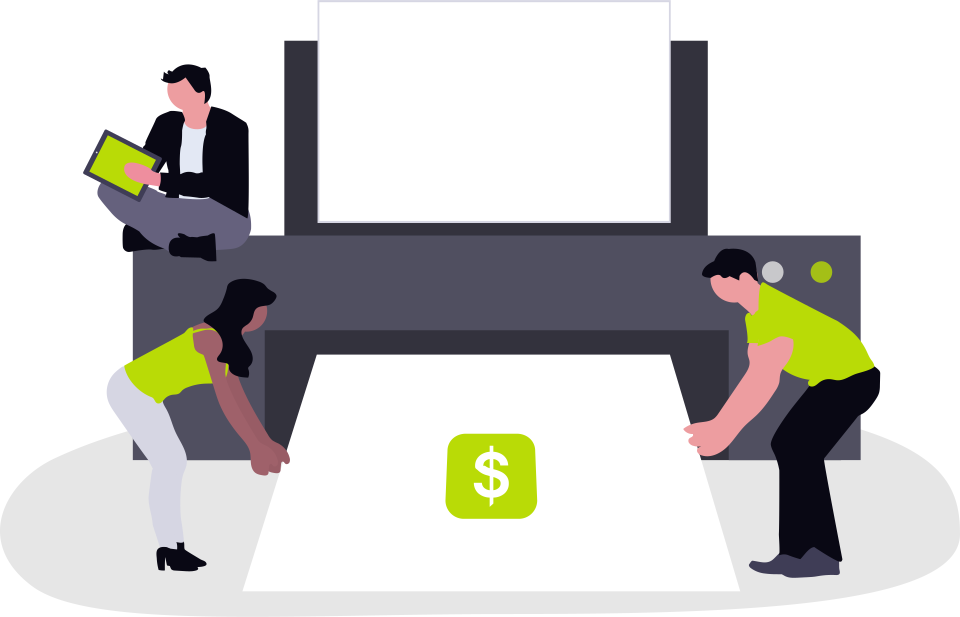
Bill from tracked work — not from memory
Generate accurate invoices from billable hours and expenses. Customize layouts to match your brand, support multiple currencies and languages, and keep books tidy with accounting exports.
- Automatic invoice creation from project time and expenses
- Fully customizable invoice templates
- QR invoices, e-invoices, credit notes and reminders
- PDF and Word export for further editing
- Multi-currency and multilingual invoices
Leave requests that actually stay organized
Employees request time off online. Managers approve with one click. Balances, public holidays and absence categories stay transparent for HR and payroll.
- Vacation, sickness, training, unpaid leave and more
- Approval workflows with clear statuses
- Holiday calendars and remaining balances
- Absence lists and exports for payroll
- Mobile-friendly requests for field teams

Paperless expenses, ready for billing
Capture costs as they happen, assign them to projects and optionally include them on the next client invoice — without retyping numbers into another system.
- Custom expense categories and project assignment
- Receipt upload and paperless workflows
- Expense reports in a few clicks
- Automatic inclusion in invoices when billable
- Export for accounting and reimbursements

Reliable on-site clock-ins
For workshops, practices and offices where people share a device, the tablet terminal records arrivals, departures and breaks — with or without badges.
- Tablet terminal for shared workplaces
- Optional badge identification
- Break tracking and punch accuracy
- Synced with the same TimeStatement account
- Ideal where phones are not practical
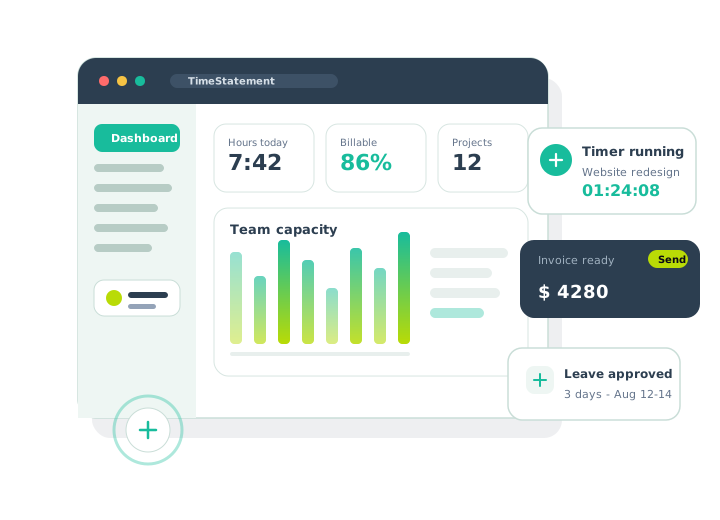
Decisions backed by live data
See utilization, project progress and profitability at a glance. Filter by client, project, employee or billable status — then export what finance needs.
- Dashboards with key operational metrics
- Reports by project, client, user and period
- Excel, PDF and CSV export
- Timesheets ready for payroll handoff
- Capacity and budget visibility for managers
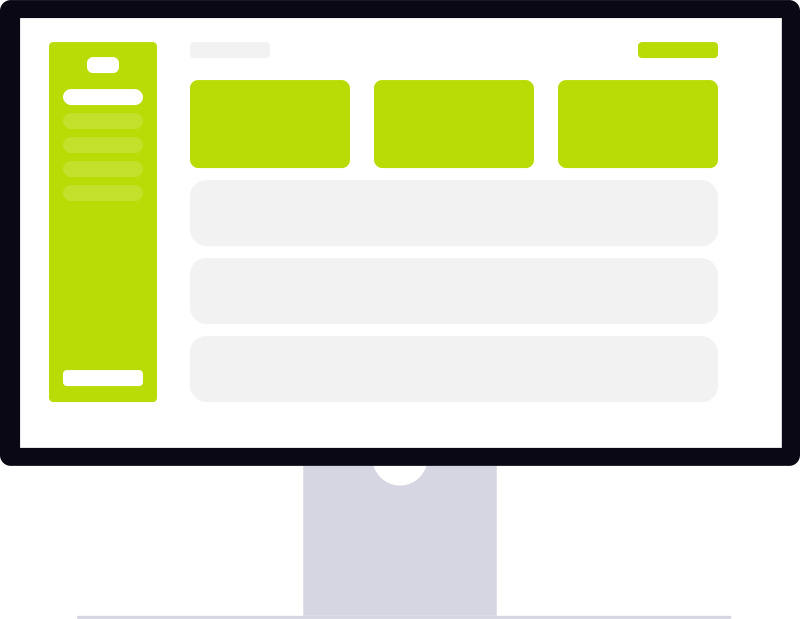
Web, mobile and terminal — always in sync
Your team tracks time where the work happens. Data syncs across devices so managers always see the current picture.
Web app
Full access in the browser — no installation. Ideal for office work, reporting and administration.
Mobile apps
iOS and Android apps for field work and remote teams, including offline tracking that syncs later.
Shared terminal
Clock in at a central tablet — perfect for workshops, clinics and teams without personal devices.
Built for trust — and European privacy expectations
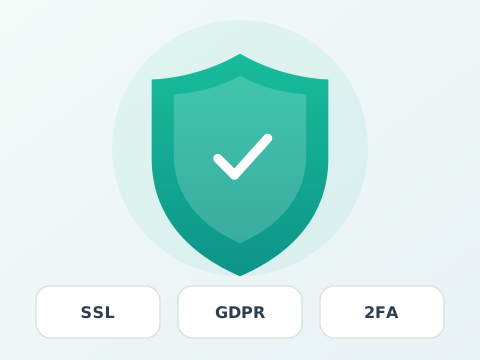
TimeStatement encrypts traffic with SSL, supports two-factor authentication and hosts data in the EU under strong privacy rules. Choose cloud convenience or ask about self-hosting.
- SSL-encrypted connections end to end
- EU data hosting
- Two-factor authentication (2FA)
- Automatic backups and role-based permissions
- Self-hosted deployment available on request
Connect time data to accounting and payroll
Export cleanly or sync with the tools finance already uses — especially strong for DACH accounting stacks.
Questions about TimeStatement features
Quick answers for teams comparing time tracking platforms.
How is TimeStatement different from other time tracking tools?
Many competing tools focus heavily on timers and project reporting. TimeStatement is an all-in-one platform that also covers compliant work-time tracking, absence management, expenses, professional invoicing (including e-invoices and QR invoices) and a physical time clock terminal — with EU hosting and strong DACH accounting integrations.
Can freelancers and larger teams use the same product?
Yes. Solo professionals can start lean, while growing teams unlock projects, approvals, absences, expenses and invoicing. Permissions keep sensitive rates and reports limited to the right roles.
Does TimeStatement work offline?
The mobile apps support offline time tracking and sync when a connection is available again — useful for field service, travel and sites with limited connectivity.
Where is my data hosted?
Cloud data is hosted in the EU with SSL encryption. A self-hosted option is available for organizations that need full infrastructure control.
Can I customize invoices to match my brand / corporate design?
Yes. Invoice templates are highly flexible so you can align them with your brand and corporate design. They support multiple languages and currencies, and can be exported as PDF or Word. Billable time and expenses flow into invoices automatically.
Start tracking with less effort
Try TimeStatement free — set up time tracking, projects and invoicing in minutes.
EU data hosting
Your data stays in the EU
Hosted in the EU, with strict privacy laws and SSL encryption like e-banking — so time tracking, projects, expenses and invoices stay protected.
- Hosted in the EU
- Privacy-law aligned
- SSL-encrypted connection