Invoicing Software & Billing Automation
Create invoices, e-invoices and payment workflows directly from tracked services
TimeStatement turns invoicing into a structured digital process. Convert billable project hours, expenses, retainers and fixed fees into professional invoices, e-invoices and clear customer billing records from one central system.
You can create invoices in multiple currencies and languages, define customer-specific billing settings, customise invoice templates to your brand and track payments without switching between disconnected tools.
This makes TimeStatement a strong fit for agencies, consultancies, service providers, engineering firms and international teams that want time tracking and invoicing to work together instead of relying on separate billing software.
For a complete workflow, combine invoicing with project time tracking, work time tracking and expense tracking.
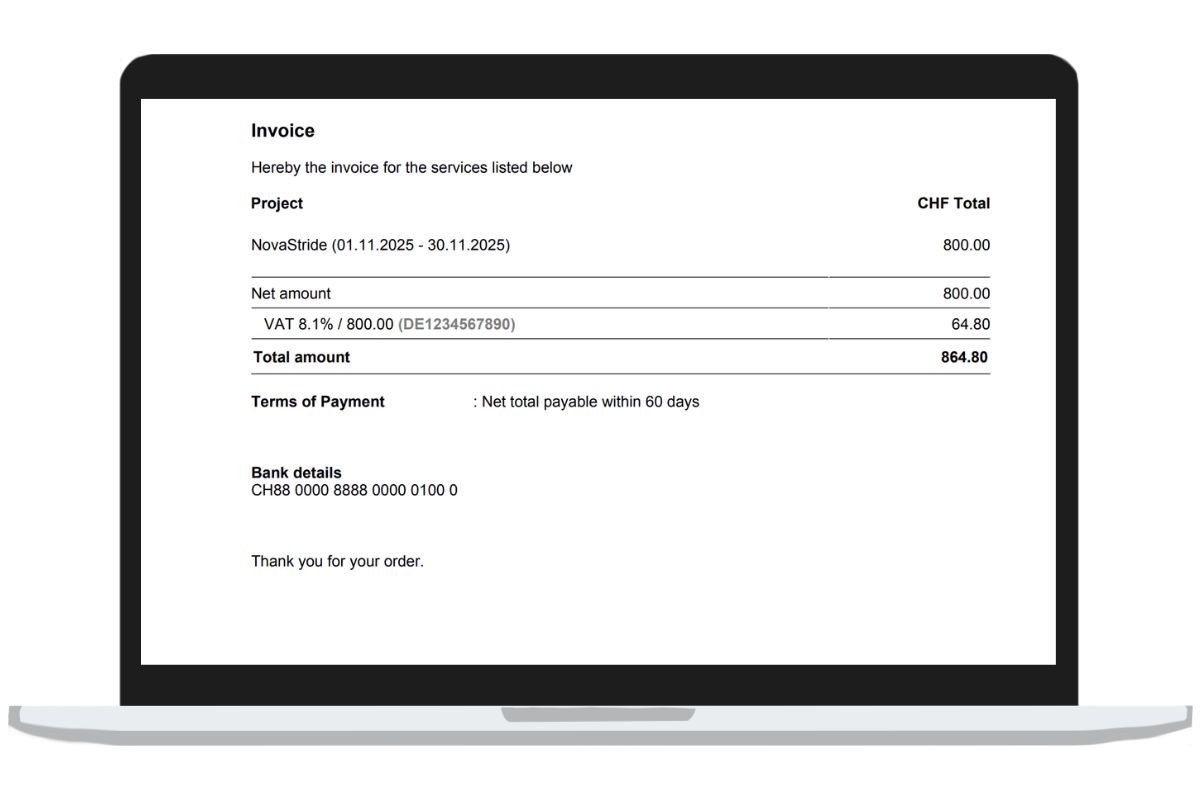
How invoicing works in TimeStatement
Create client invoices directly from tracked services, open billable items and recurring billing rules in just a few steps.
Select billable items
See all uninvoiced project hours, expenses, retainers, daily rates and fixed fees by client and billing period. Nothing billable gets lost between time tracking and invoicing.
Create the invoice draft
TimeStatement generates an invoice draft automatically from the selected items. You can then edit positions, discounts, payment terms, flat expense surcharges and invoice templates.
Send or export invoices
Invoices can be downloaded as PDF, prepared as e-invoices and transferred to accounting systems via interfaces or exports. The sending status remains visible in the same workflow.
Track payments and due dates
Record payments, partial payments, prepayments and open balances directly on the invoice. This keeps accounts receivable and project billing transparent.
Key invoicing software features
Create invoices from tracked services
TimeStatement shows all uninvoiced items in one view and lets you decide exactly what should be billed. Billable hours, expenses, fixed fees and recurring services can be transferred directly into the invoice draft.
You control the billing period yourself, whether weekly, monthly, quarterly, yearly or custom. This keeps billing flexible for both small teams and multi-client service organisations.

Flexible billing models and rate structures
Bill by hour, day, fixed project fee, recurring retainer or custom package. Rates can be defined by project, task or employee, which makes the software suitable for consultancies, agencies and project-based businesses.
Non-billable time, expense surcharges, down payments and one-off charges can also be mapped cleanly in the same process.
Recurring billing and batch invoice runs
Create multiple invoices in one billing run and automate repetitive monthly work. This is especially useful for retainers, support contracts, subscriptions and other recurring client services.
Per client, the right template, due date and billing logic remain individually configurable.

Custom invoice templates in your brand style
Use the integrated online editor to adapt logos, colours, layout and dynamic placeholders directly in TimeStatement. Invoice templates can match your brand without extra design tools.
This creates a more professional customer experience and saves time whenever invoice formats need to change.

E-invoicing and digital invoice standards
TimeStatement supports modern digital invoicing workflows and helps you prepare invoices for structured electronic billing processes. This is important for teams working with procurement requirements, public-sector clients or standardised accounting workflows.
Invoices can also be downloaded as PDF or transferred into connected accounting systems.

Customer-specific settings, currencies and languages
Store language, number format, currency, invoice template, payment terms and billing references per customer. Separate invoice number ranges for multiple companies can also be managed.
This is valuable for international service businesses, multilingual teams and organisations with several legal entities or brands.
Payment tracking, partial payments and open balances
Record paid, partly paid, due and overdue invoices directly in TimeStatement. Prepayments, client credit and staged payments can be reflected cleanly in the same process.
This improves transparency for finance, project managers and account teams.
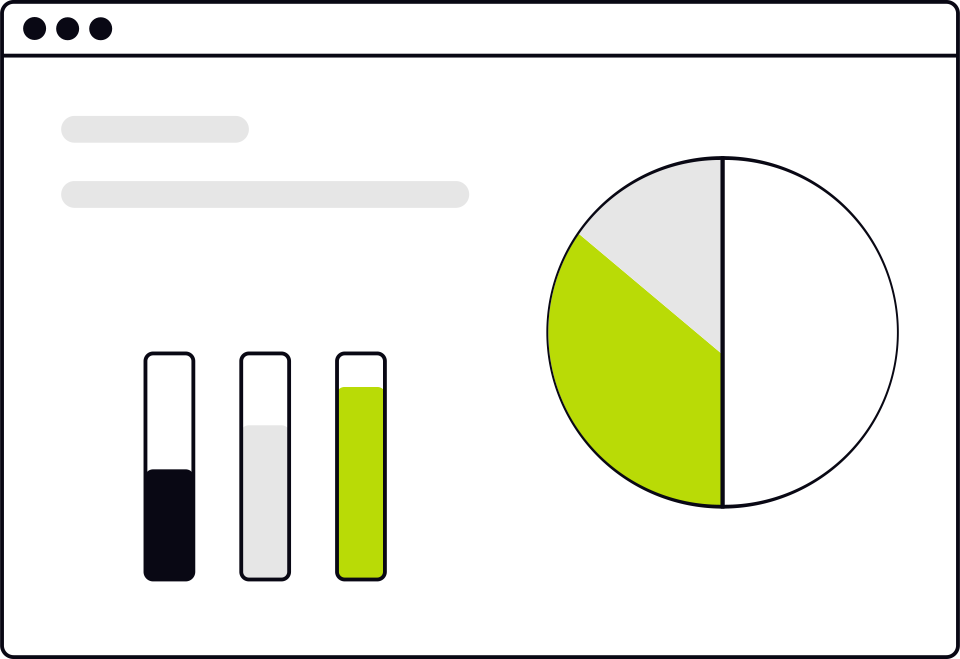
Billing overview and real-time controlling
See open billable services, sent invoices, payment status and outstanding balances in real time. Analysis by client helps identify what has been billed, paid and is still open.
Combined with project time tracking, this creates a reliable basis for margin control and client profitability.
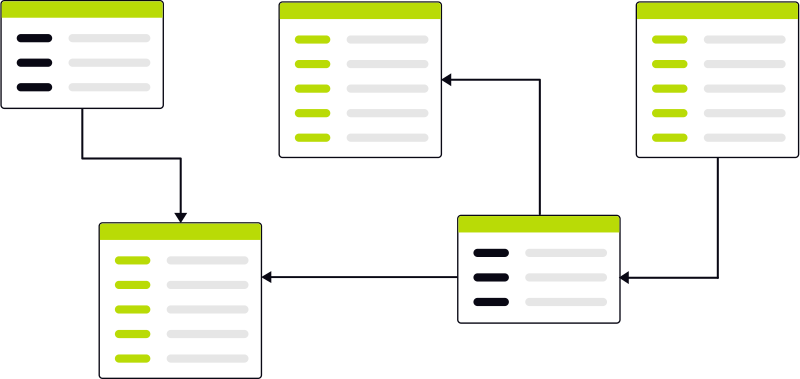
Accounting integrations, exports and API
Transfer billing data to accounting and finance workflows through exports and integrations. TimeStatement supports Excel, CSV, DATEV, Lexware, Sage, bexio, Abacus, Infoniqa ONE 50, Run my Accounts and the REST API.
This reduces duplicate work and makes invoicing data easier to connect with existing systems.
Benefits of invoicing with TimeStatement
Use one connected workflow from tracked work to sent invoice and paid balance.
Invoices from tracked work
Create invoices directly from project hours, services and expenses without manual copy-paste.
Open billable work stays visible
See what has not yet been billed and reduce revenue leakage across projects and clients.
Recurring billing becomes easier
Automate regular invoice positions for retainers, maintenance, subscriptions and ongoing client work.
Professional invoice design
Use invoice templates that reflect your brand and reduce time spent on layout adjustments.
Better payment visibility
Track due dates, open invoices, partial payments and paid balances from one place.
Smoother accounting handoff
Interfaces, exports and API connections help transfer invoice data into downstream accounting systems.
Multilingual and multicurrency billing
Work with international clients using local invoice settings, languages and currencies.
Less administration overall
Time tracking, project billing and invoicing work together in one system instead of several disconnected tools.
Try invoicing software for free
Test TimeStatement without obligation and see how quickly tracked services, expenses and recurring work can be turned into structured client invoices.
FAQ about invoicing with TimeStatement
Answers to common questions about invoice creation, recurring billing and payment tracking.
Who is TimeStatement invoicing suitable for?
TimeStatement fits service businesses, agencies, consultancies, IT teams, engineering firms, accounting-focused organisations and project-based companies that want to turn tracked work into invoices efficiently.
Can I create invoices directly from tracked project time?
Yes. Billable project hours, services and expenses can be transferred directly into invoice drafts.
Which billing models are supported?
TimeStatement supports hourly rates, daily rates, fixed project fees, recurring services, retainers, expenses, surcharges and non-billable items.
Can invoice drafts be edited before sending?
Yes. Positions, discounts, text, surcharges and invoice details can be adjusted before the invoice is finalised.
Can I manage multiple companies and number ranges?
Yes. TimeStatement supports multi-company setups and separate invoice number ranges.
Does the software support multiple languages and currencies?
Yes. Customer-specific language and currency settings can be stored and reused in the billing workflow.
Can I handle partial payments and prepayments?
Yes. Partial payments, prepayments, client credit and open balances can be tracked directly on the invoice.
Can I export invoices as PDF?
Yes. Invoices can be downloaded as PDF and prepared for further delivery or accounting transfer.
Which integrations are available?
TimeStatement supports exports and integrations including DATEV, Lexware, Excel, CSV, Sage, bexio, Abacus, Infoniqa ONE 50, Run my Accounts and the REST API.
Can I connect my own software?
Yes. The REST API can be used to connect internal tools or external systems.
Can I track paid, open and overdue invoices?
Yes. Paid, partly paid, open and overdue invoices are visible in the same billing overview.
Can I create several invoices at once?
Yes. Batch invoice runs make it possible to create multiple invoices for different customers in one go.
You may also be interested in:
Project Time Tracking
Assign hours to clients, projects and tasks. Stay on budget and bill every minute.
Learn more →Time Tracking
Clock in, run timers or enter hours manually — on web, mobile or terminal.
Learn more →Expense Tracking
Capture receipts digitally, categorize costs and attach them to projects or invoices.
Learn more →Absence Management
Request, approve and report holidays, sickness and other leave in one place.
Learn more →