Project Time Tracking App & Software
Simple project timesheets for clients, teams, budgets and billing
With TimeStatement, you track project time simply, accurately and flexibly directly on clients, projects and tasks. Whether in the browser at the office or via app on the go, your team records working time where it happens, online or offline.
The cloud-based project time tracking software from TimeStatement is ready to use immediately, without local installation. Track and manage project hours, budgets, expenses and resources centrally in one place.
Billable services can be documented clearly and used directly for invoicing. Detailed reports show you at any time how profitable your projects really are. TimeStatement helps companies of all sizes manage projects more transparently, plan resources more effectively and reduce administrative work.
For a complete workflow, combine project time tracking with digital work time tracking, expense tracking and invoicing.

How project time tracking works in TimeStatement
With TimeStatement, you start project time tracking in just a few steps and map your project workflow in a structured way.
Start a free trial
Register for free and start your non-binding trial directly online. Because TimeStatement is cloud-based, you do not need your own installation or internal maintenance.
Set up projects
Create clients, projects, tasks, members, hourly rates, budgets and billability rules. Roles, permissions and individual settings can be adapted flexibly to your workflow.
Track project hours
Employees track project time directly on clients, projects, tasks or activities, via web app or mobile app, manually, with start and end time or with the integrated timer, even offline.
Report and invoice
Billable time, expenses, fixed fees and recurring services can be invoiced directly. Internal projects can be analysed so you can keep effort, costs, progress and profitability under control.
Track project hours flexibly - in the web app, mobile app or timer
With TimeStatement, you track project time where it happens, in the browser, via app or directly at the client. Time tracking works online and offline, manually or with the timer.
This keeps project time tracking flexible, reliable and efficient, regardless of location, device or working style. Time entries can be added later, corrected, reassigned or supplemented with a description when needed.
Track project hours via app
With the TimeStatement mobile app, employees track project hours directly on the go, quickly, easily and even offline. Ideal for flexible work, client appointments, field service and work outside the office.
Track project hours in the web app
In the browser, you track project hours directly on a PC or laptop and manage projects, employees, budgets and reports at the same time. Ideal for office work, project planning, team administration and central analysis.
Track project hours with the timer
With the integrated timer, you record project hours simply and accurately in real time. One click starts, pauses or stops time tracking. This is ideal for accurate tracking, ongoing project work and changing activities.
Project time tracking features

Accurate time recording for projects
With TimeStatement, you track project time to the minute and assign it directly to clients, projects, tasks or activities. This ensures no billable working time is lost and shows at any time where resources are being used.
Employees can track time flexibly: by duration, with start and end time or via the integrated timer. This makes TimeStatement suitable for the office, home office, travel or client work. The recorded time also serves as proof of work, a basis for reporting, project controlling and invoicing.
Flexible settings for your project time tracking
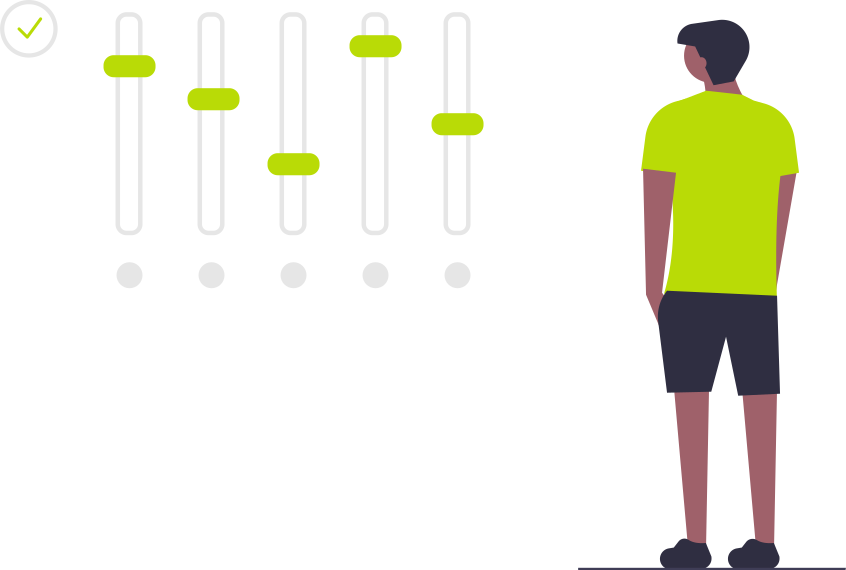
TimeStatement adapts flexibly to the way you work. You can define roles, permissions, task lists and time tracking modes individually. Rounding rules, mandatory fields, custom fields, location tracking and editing deadlines can also be configured as needed.
Project time can be transferred automatically into work time tracking, so employees do not have to enter the same time twice. Multiple companies, custom invoice templates, two-factor authentication, backup and restore are also supported.

Roles, rights and granular permissions
With TimeStatement, you control exactly who can view and edit projects, tasks, reports, hourly rates or invoices. Employees see only the information that is relevant to them.
Project managers can receive extended rights, while project members may only track their own time. Responsibilities remain clear and sensitive data stays protected.

Use template projects
For recurring or similar projects, you can create template projects and reuse them. Important settings such as billability, hourly rates, tasks, employees, expense categories and recurring services can be stored there.
This saves time, keeps processes consistent, reduces errors and makes project planning more efficient.

Flexible billability of project hours
In TimeStatement, you define which project hours are billable and which are not. Billability can be defined flexibly at project or task level. Different hourly rate models are available for invoicing: project rates, task rates or employee rates.
Create invoices from project hours
From tracked project time, you quickly create professional invoices, including e-invoices. Billable hours, fixed fees, expenses and recurring services can be transferred directly.
Invoices can be created in different currencies and languages. Individual settings, payment terms and references such as purchase order or project numbers can be stored per customer. With the integrated online editor, you adapt invoice templates easily to your corporate design.

Project fixed fees and recurring services
With TimeStatement, you assign one-off project fixed fees and recurring services directly to a project. Recurring services such as retainers, maintenance contracts, licences or subscriptions are stored with amount, interval and period and automatically considered during invoicing.
Budget control and project status in real time
With TimeStatement, you keep project budgets in view at all times, either as an hourly or monetary budget and at project or task level. Progress bars and current key figures clearly show how much budget has already been used and whether the project remains on track.
Automatic budget warnings by email can be configured for individual thresholds, for example at 80% or 100%. Different hourly rates, expenses and project-related costs can also be included in the project budget.
Overview, reports and project planning
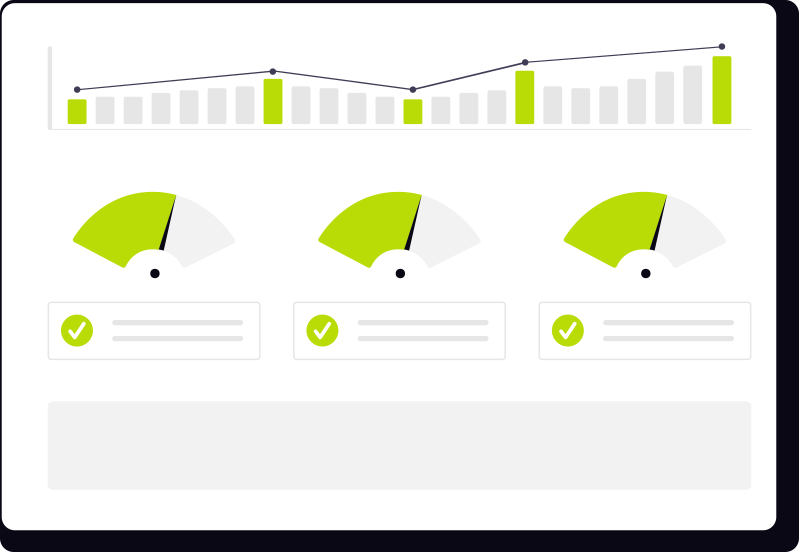
TimeStatement provides up-to-date project time reports and flexible analysis by client, project, task, user, billability or invoice status. Reports can be exported easily as PDF, Excel or CSV.
The recorded project time helps you check profitability, identify deviations early and plan projects more realistically. You see which tasks take the most time, where bottlenecks occur and how resources can be used more efficiently.

Track expenses and costs easily
In addition to project time, expenses and project-related costs can be recorded, such as travel costs, material costs or other outlays. Expenses can be captured by category and assigned directly to projects.
Expense flat rates can also be defined, where a percentage of the invoice amount is automatically calculated as an expense.
Compliant work time tracking and absences
In addition to project time tracking, TimeStatement offers compliant work time tracking. Working hours, breaks as well as positive and negative hours are documented transparently and maintained automatically in each employee's time account. Project time and work time can be connected so no duplicate entries are needed.
Integrations, exports and API
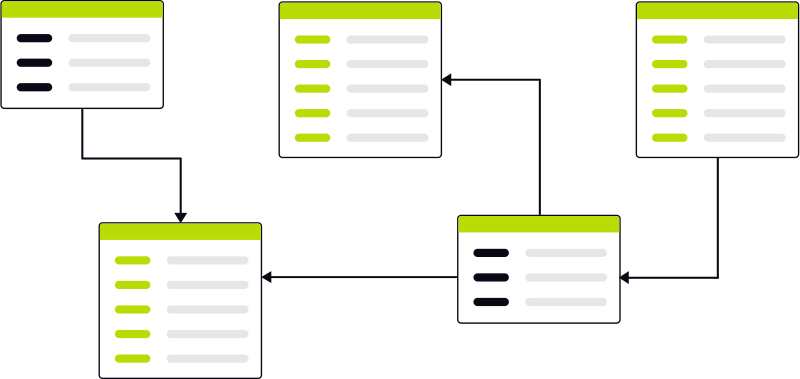
TimeStatement supports various integrations and export options for time tracking, accounting and invoicing. These include DATEV, Lexware, Excel, CSV, Sage, bexio, Abacus, Infoniqa ONE 50, Run my Accounts, Open API and an interface for e-invoices.
The REST API lets you transfer project hours, invoices and billing data into existing systems. This reduces duplicate work and keeps data flows structured.
Benefits of project time tracking with TimeStatement
With TimeStatement project time tracking, companies benefit from clear processes, better data and less administration.
Flexible time tracking
Project hours can be tracked in the office, home office, on the go or directly at the client, via app, browser and even offline.
More transparency across projects and teams
Project managers see working time, tasks, progress and priorities at a glance and always keep the current project status in view.
Better control of costs and budgets
TimeStatement shows how much time and cost flows into projects, tasks or clients. Budget deviations, extra effort and unprofitable projects are identified early.
Realistic resource and project planning
Recorded time data helps calculate new projects more accurately and plan employees according to capacity, tasks and project needs.
More efficient processes and less administration
Reports, exports and invoicing features reduce manual work and show where time sinks, bottlenecks or unnecessary effort arise.
Reliable billing of services
Billable hours, expenses and additional costs are documented cleanly and can be proven and billed transparently to customers.
Data-based decisions
Current reports on effort, costs, utilisation and profitability create a reliable basis for project managers and management.
Everything in one solution
TimeStatement combines project time tracking, work time tracking, expense tracking, absence management and invoicing in one central solution.
Try project time tracking for free
Test TimeStatement without obligation and see how easily project hours, budgets, expenses and invoicing can be managed in one central system.
FAQ about project time tracking with TimeStatement
Here you will find answers to the most frequently asked questions about project time tracking with TimeStatement.
Who is TimeStatement project time tracking suitable for?
TimeStatement project time tracking is suitable for companies, agencies, consultancies, service providers, IT teams, engineering firms, accountants, tax advisors and project-oriented organisations that want to track working time by client, project and task.
What is the difference between work time tracking and project time tracking?
Work time tracking shows when and how long employees work, including breaks and legal documentation. Project time tracking additionally shows what the working time was used for, such as projects, clients or tasks. This makes planning, analysis and billing easier.
How many projects can I create in TimeStatement?
In TimeStatement, you can create and manage unlimited projects. The number of projects is not limited and can be adapted flexibly to your company's requirements.
Can I structure projects in TimeStatement?
You can divide projects into tasks, add team members and define roles and permissions. Task lists, expense categories, budgets, hourly rates and recurring services can also be defined per project.
Does every employee have access to all projects?
No. Employees only see the projects they have been assigned to. Administrators can define precisely which people receive access to which projects.
Which access rights can I define per project?
You manage access rights individually per project. Project managers can receive extended permissions. You can also define whether entries from other users or hourly rates are visible.
Can multiple employees track project time at the same time?
Yes. Multiple employees can track working time on the same project at the same time. The recorded project hours are synchronised and immediately available to project managers.
Can project time automatically be recorded as work time?
Yes. Recorded project time can automatically be transferred into work time tracking. Employees only need to enter their time once.
Can I correct project time later?
Employees can correct project time entries themselves within the defined editing period. After that period, changes can be made by an administrator. Already invoiced project time is locked for traceability.
Can I define different hourly rates per project?
Yes. You can use one project hourly rate or different rates per task or user. This allows different services, roles or customer agreements to be represented accurately.
Can I also track non-billable hours?
Yes. Projects or individual tasks can be marked as non-billable. The hours are still fully tracked but do not appear as billable services for the customer.
How can I manage project budgets and monitor progress?
You can assign budgets to projects and tasks, either as an hourly budget or monetary budget. Budget warnings can also be configured. Current progress and budget status are visible at any time.
Can I track travel costs, material costs and expenses on projects?
In addition to project time, you can also track expenses and other project-related costs, such as travel costs, material costs or other outlays. This documents not only working hours but also additional costs.
Can I create invoices directly from project time?
Billable project time, expenses, fixed fees and recurring services can be transferred directly into invoices. TimeStatement supports professional invoices, e-invoices and multiple currencies and languages.
Which reports does TimeStatement offer for project time?
TimeStatement offers detailed reports and analyses for project time, for example by client, project, task, employee, billability or invoice status. Reports clearly show utilisation, effort, costs, open services and billable hours.
Can I export project time?
Project time reports can be exported as PDF, Excel or CSV. This allows data to be processed further, shared internally or transferred into existing processes.
Which integrations does TimeStatement offer?
TimeStatement supports various integrations and export options for time tracking, accounting and invoicing, including DATEV, Lexware, Excel, CSV, Sage, bexio, Abacus, Infoniqa ONE 50, Run my Accounts, Open API and an interface for e-invoices.
Which devices does TimeStatement support?
TimeStatement works on all common devices. You can track project time in the web app via browser on PC or laptop, or use the mobile app on smartphone and tablet. Time tracking is possible online and offline.
What might also interest you:
Time Tracking
Clock in, run timers or enter hours manually — on web, mobile or terminal.
Learn more →Expense Tracking
Capture receipts digitally, categorize costs and attach them to projects or invoices.
Learn more →Invoicing
Turn tracked time and expenses into professional invoices, including e-invoices.
Learn more →Absence Management
Request, approve and report holidays, sickness and other leave in one place.
Learn more →